Eye comfort at screens improves when you take regular breaks, set up your screen and lighting sensibly, and remember to blink. The best-known rule is 20-20-20: every 20 minutes, look at something about 20 feet (6 metres) away for 20 seconds.
These are everyday comfort habits, and they cost nothing. Here is how to build them into a normal workday.
Why screens tire our eyes
When you focus on something close for a long time, the muscles inside the eye stay busy. We also tend to blink less when concentrating, which can leave the surface of the eye feeling dry or gritty.
Add glare, a poorly placed monitor or small text, and you have the usual recipe for tired eyes, a stiff neck and the odd headache. People often call this digital eye strain, and it is common and usually temporary.
The break habit for eye comfort
The 20-20-20 rule is simple enough to remember and flexible enough to bend. You do not need to count the seconds precisely. The idea is to give your eyes a regular change of distance.
- Set a gentle reminder or use a natural trigger, such as finishing an email.
- Look out of a window or across the room at something far away.
- Blink slowly a few times.
- Take a longer break, with a stretch or a short walk, about once an hour. Our desk stretches routine is a good fit.
Set up your screen
Distance and height
Place your monitor about an arm’s length away, roughly 50 to 70 cm (20 to 28 inches). The top of the screen should sit at or just below eye level so you look slightly downward. Laptops often sit too low; a stand and a separate keyboard can fix that.
Text size and contrast
If you are leaning forward to read, make the text larger. Choose a comfortable level of contrast, with dark text on a light background or the reverse, whichever suits you. Adjust screen brightness so it roughly matches the room, neither glowing like a lamp nor dim and murky.
Light and glare
Glare from windows and overhead lights is a frequent culprit. Position your screen at right angles to windows rather than facing or backing onto them, and use blinds or curtains to control sunlight. A desk lamp aimed away from the screen can lift the lighting level without bouncing reflections into your eyes.
If you wear glasses, make sure your prescription is current and mention your computer use at your eye exam. Some people benefit from lenses designed for screen distances, but that is a choice for an eye care professional.
Keep your eyes moist
Blinking spreads tears across the eye. Try a few deliberate, complete blinks during breaks. Drinking enough fluids may help you feel more comfortable overall, and our guide to staying hydrated offers some easy ways to keep that going. In dry offices, avoid pointing fans or vents directly at your face.
Quick fixes at a glance
| Problem | Try this |
|---|---|
| Dry or gritty feeling | Blink fully, take breaks, move air vents away |
| Glare or reflections | Reposition screen, use blinds, tilt lamp away |
| Squinting at text | Increase text size, check prescription |
| Neck and shoulder tension | Raise monitor, stretch hourly |
| Tired eyes in the evening | Lower brightness, limit late-night scrolling |
Evenings and downtime
After a day at a monitor, it helps to give your eyes something different to do. A walk outdoors, a phone-free dinner or a paper book all provide a change of focus. Cutting late-night screen use can also help your wind-down; see our sleep hygiene basics for more.
Children and teenagers use screens a lot, too. Encourage outdoor time, regular breaks and sensible distances, and make sure they have regular eye checks.
This article is general wellness information, not medical advice. If you have persistent eye pain, sudden vision changes, double vision or frequent headaches, please see an optometrist, doctor or other qualified eye care professional.
Key takeaways
- Use the 20-20-20 rule to give your eyes regular breaks.
- Keep your monitor about an arm’s length away, with the top at eye level.
- Reduce glare and match brightness to your room.
- Blink fully and often, and keep your eye exams up to date.
For more comfort-focused tips, visit our health category.
Frequently asked questions
What is the 20-20-20 rule?
Every 20 minutes, look at something around 20 feet (6 metres) away for 20 seconds. It gives your focusing muscles a rest.
Do blue light glasses help?
Evidence is mixed, and comfort habits such as breaks, lighting and screen setup are the more reliable starting points. Ask an eye care professional for advice.
Is dark mode better for my eyes?
It depends on the person and the lighting. Try both and choose what feels more comfortable.
How often should I have an eye exam?
Many professionals suggest regular checks, with the exact schedule depending on your age and eye health. Ask your eye care provider what is right for you.
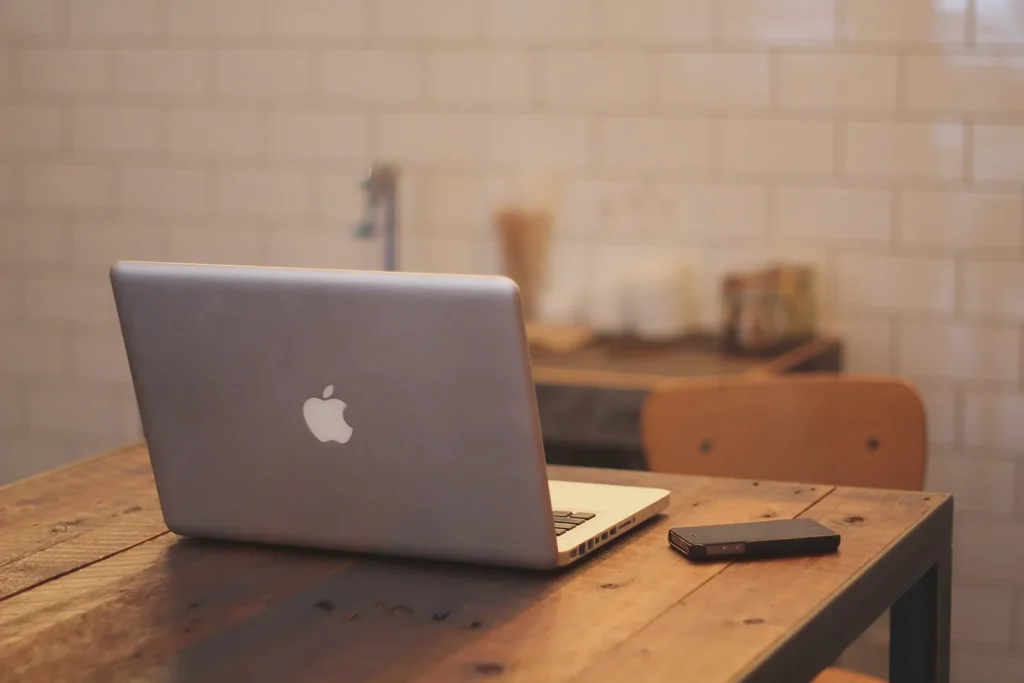
Photo: Apple-iphone-desk-laptop by www.Pixel.la Free Stock Photos, CC0, via Wikimedia Commons