Streaming recommendations work by comparing your viewing with patterns from many other viewers, then predicting what you are likely to enjoy next. Your choices, ratings, and even viewing habits feed that guess. Once you know the basics, you can train the system to suit you better.
How streaming recommendations work, in brief
A recommendation system is software that ranks titles for each person. Instead of showing everyone the same list, it orders the home screen based on predictions about you.
Two broad methods do most of the work. Services usually blend them rather than relying on a single approach.
Two main approaches
| Approach | How it works | Example |
|---|---|---|
| Collaborative filtering | Finds viewers with similar histories and suggests what they enjoyed | People who watched a space drama also watched a particular mystery |
| Content-based filtering | Matches the traits of titles, such as genre, mood, and cast, to what you like | If you watch cosy crime, it offers more cosy crime |
Neither is perfect. Collaborative methods struggle with brand-new titles that have little viewing data, and content-based ones can trap you in a narrow bubble.
What signals the apps may track
Exact details differ between services and are not always public, but common signals include:
- What you watch, and how much of it you finish.
- Titles you abandon after a few minutes.
- Ratings or thumbs-up and thumbs-down buttons.
- Searches and items you add to a watchlist.
- Time of day and type of device.
Many apps also personalise the artwork and the order of rows. Check your service’s privacy settings for what is collected and how to manage it.
Why your feed sometimes feels off
A shared account is the usual culprit. If your family or housemates watch different things, the system blends all of it. One evening of children’s cartoons or a holiday film can reshape suggestions for weeks.
Another cause is passive viewing. If something plays in the background while you scroll on your phone, the app may count it as interest.
How to improve your recommendations
- Create separate profiles for each person, including a kids profile.
- Use thumbs-up and thumbs-down ratings honestly.
- Remove unwanted titles from your viewing history if the service allows it.
- Add shows to your watchlist when they catch your eye.
- Stop playing something you do not like after a few minutes, rather than letting it run.
- Use search to explore genres you want more of.
Beyond the algorithm
Algorithms are good at finding more of what you already like, and less good at surprising you. To widen your horizons, ask friends, browse curated lists from libraries and critics, or pick a genre you rarely watch. Our history of how film genres evolved is a useful roadmap for exploring new styles.
Group viewing is another way around it. Taking turns choosing, as suggested in our guide to hosting a movie night, can introduce you to films you would never have picked.
The same idea applies to audio and reading. Podcasts and music apps use similar methods, and a book club is a human alternative that thrives on diverse picks.
The cold-start problem
New users pose a puzzle for any recommendation system, because there is no history to learn from. That is why many services ask you to pick a few favourite shows or genres when you sign up. A handful of choices gives the system a starting point, which it refines as you watch.
New titles face the same problem. With no viewing data, the service leans on descriptions, genre tags, and similarity to existing shows until enough people have watched.
Personalised rows and artwork
The rows on your home screen, such as “continue watching” or “because you watched”, are each produced by a different method. Some are based on your own history, others on what is popular in your region, and others on what is new. The order of the rows may also differ from one profile to the next.
Keep in mind that a service has its own goals, such as promoting its own productions. Recommendations are a helpful guide, not a neutral ranking of the best things to watch.
Key takeaways
- Recommendations blend patterns from similar viewers with details about the titles themselves.
- Your viewing, ratings, and searches all shape your feed.
- Separate profiles and honest ratings quickly improve suggestions.
- Mix algorithm picks with friends and curated lists for variety.
Read more in the entertainment archive.
Frequently asked questions
Do streaming services listen to me to recommend shows?
Recommendations are generally based on viewing activity and account data. Check each service’s privacy policy for specifics.
Does the thumbs-up button really matter?
Explicit ratings are a clear signal, so they usually help, although services weigh them differently.
Can I reset my recommendations?
Some services let you clear history or create a fresh profile. A new profile is often the quickest reset.
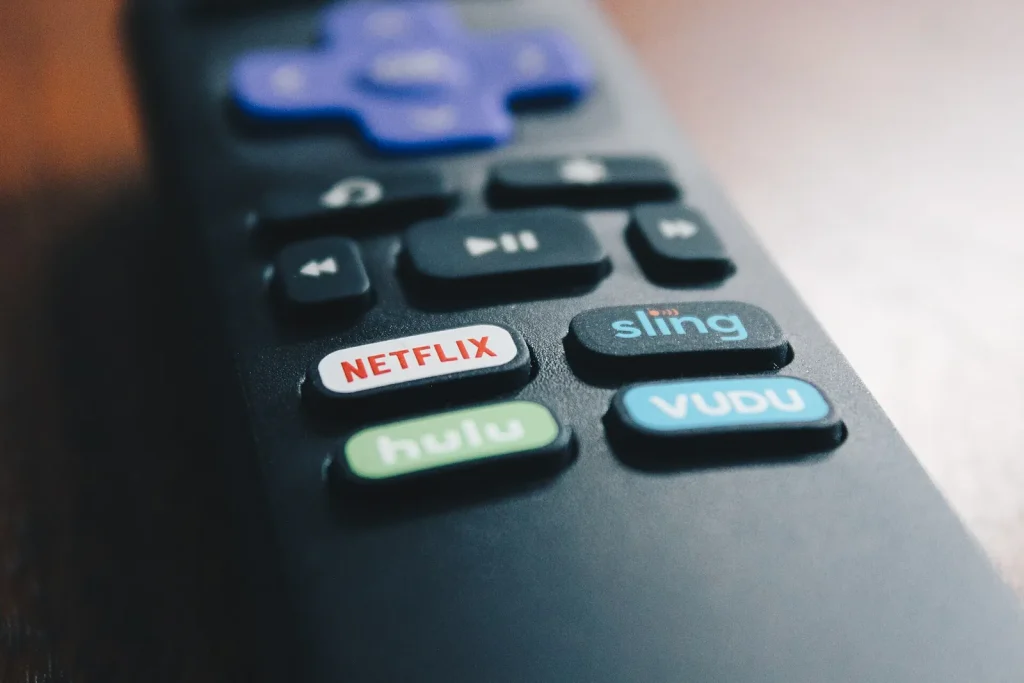
Photo: Netflix button remote by Flickr Stock Catalog, CC BY 2.0, via Wikimedia Commons