You can spot phishing emails by checking for urgency, a mismatched sender address, odd links, unexpected attachments, and requests for passwords or payments. If an email pushes you to act fast, stop and verify it another way. These seven signs cover most of what you will see.
What phishing is, and why it works
Phishing is a trick in which someone pretends to be a trusted organisation, colleague, or friend to get you to hand over information or money. The messages arrive by email, text, phone call, or social media.
It works because it targets emotions rather than technology. Fear, curiosity, and the wish to be helpful all make people click before they think.
Seven signs that help you spot phishing emails
- Urgency or threats. “Your account will be closed in 24 hours” is designed to rush you.
- A sender address that is slightly off. Look past the display name to the actual address, which may contain a misspelling or an unrelated domain.
- Generic greetings. Real services you use often address you by name, though not always.
- Links that do not match. On a computer, hover over a link to preview its destination. On a phone, press and hold.
- Unexpected attachments. Invoices, voicemails, and shipping notices you were not expecting deserve suspicion.
- Requests for sensitive details. Genuine companies do not ask for your full password or verification codes by email.
- Too good to be true. Surprise prizes and refunds are classic bait.
Poor spelling used to be a giveaway, but polished writing is now common, so do not rely on typos alone.
A safe routine for suspicious messages
When something feels off, do not click anything in the message. Instead, open the official website by typing the address yourself or using a saved bookmark, then check your account there. Or call the organisation using a phone number from its official site or your card.
If the message claims to come from a colleague or relative, contact them through a different channel to confirm.
Real versus fake at a glance
| Feature | Typical real email | Typical phishing email |
|---|---|---|
| Tone | Calm and informative | Urgent or alarming |
| Links | Point to the company’s own domain | Point to lookalike or unrelated domains |
| Requests | Direct you to sign in on the official site | Ask you to reply with details or pay by unusual methods |
| Attachments | Expected and relevant | Unexpected, often with vague names |
Protect yourself before it happens
Good habits make an attack much less damaging. A password manager will not auto-fill on a fake site whose address does not match, which is a valuable alarm. Turning on two-factor authentication means a stolen password alone will not unlock your accounts.
Keep your devices and email app updated, and use your email provider’s spam and phishing filters.
What to do if you clicked
- Do not panic. Disconnect from the internet if you downloaded something suspicious.
- Change the password for any account you entered, from a trusted device, and anywhere else you used it.
- Contact your bank or card provider if you shared payment details.
- Run a security scan with your device’s built-in or trusted protection software.
- Report the message to your email provider or workplace IT team.
Example: a typical fake delivery notice
Imagine an email saying a parcel could not be delivered and asking you to pay a small fee through a link. The sender address belongs to an unrelated domain, the greeting is generic, and the message says it will be returned within a day. Each detail is a small flag, and together they are a strong signal.
The calm response is to ignore the link and check the courier’s official site or app directly. If there is a real parcel, you will find it there.
Protecting your files, too
Some phishing attempts try to install malicious software. Regular copies of your files give you a way back if something goes wrong, so see our guide to backing up your phone and photos for a simple routine.
Key takeaways
- Pause whenever a message creates urgency or asks for sensitive details.
- Check the real sender address and hover over links before trusting them.
- Verify through an official website or phone number, never through the message itself.
- Act quickly but calmly if you have clicked.
For more practical safety guides, browse the technology archive.
This article is general information, not legal or financial advice. If you have lost money or data, contact your bank, the authorities, or a qualified professional.
Frequently asked questions
Can phishing happen by text message?
Yes. Texts, calls, and social media messages are all used, and the same warning signs apply.
Is it safe to open a phishing email without clicking?
Usually, simply viewing it is low risk, but avoid clicking links, opening attachments, or replying. Delete or report it.
How do I check a link on my phone?
Press and hold the link to see a preview of its address, then judge whether it matches the supposed sender.
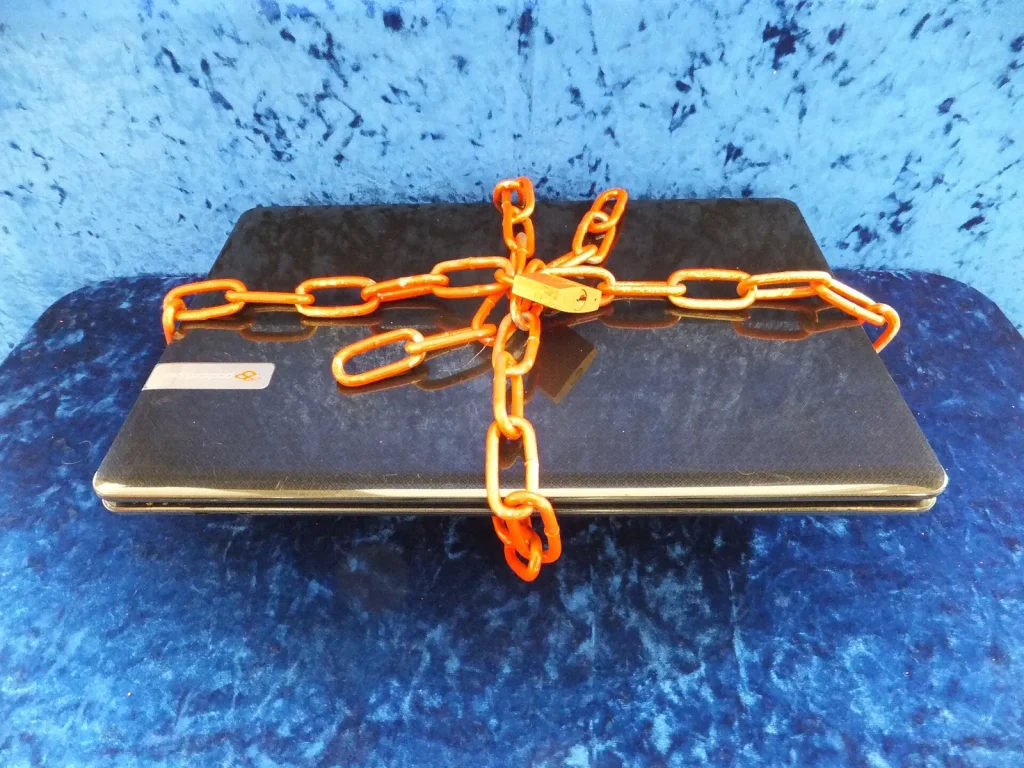
Photo: Secured laptop by Richard Nowell, CC BY-SA 4.0, via Wikimedia Commons